Shopify Flow can now watch individual fields on eight records
A fulfilment team can now get an alert when a customer changes an order’s shipping address. Shopify added eight update triggers to Flow on 20 November. Each workflow can watch up to five fields and…
A fulfilment team can now get an alert when a customer changes an order’s shipping address. Shopify added eight update triggers to Flow on 20 November. Each workflow can watch up to five fields and start when one of them changes.
The new triggers cover customers, orders, refunds, returns, fulfilment orders, collections, locations and inventory items. They follow the field-selection pattern already available for product updates, according to the Shopify changelog.
Design the alert around the decision
For an address-change workflow, start with Order updated and select the shipping address. Before notifying the warehouse, check whether the order can still be rerouted. An address edit on an order already in transit calls for a different response from an edit before the label is printed.
Another use is to watch inventory item cost and flag a margin review when it changes. Teams that currently poll records on a schedule can test a field-triggered workflow on a small set first and compare the alerts before retiring the old job.
The Order updated trigger in the Flow editor.
View the original announcement on X
Read the original announcement on X.
Check older workflows before rebuilding them
On 21 November, Shopify developer Marin Gerov described checking the workflow list after Flow upgrades. Shopify manages the Admin API version that Flow uses. If a field in an older workflow has changed, the editor can display Update required or Unsupported API and point to the affected field. Open the flagged workflow and follow its guidance before replacing a working trigger. Shopify explains how Flow adopts API versions.
More from Shopify
See all →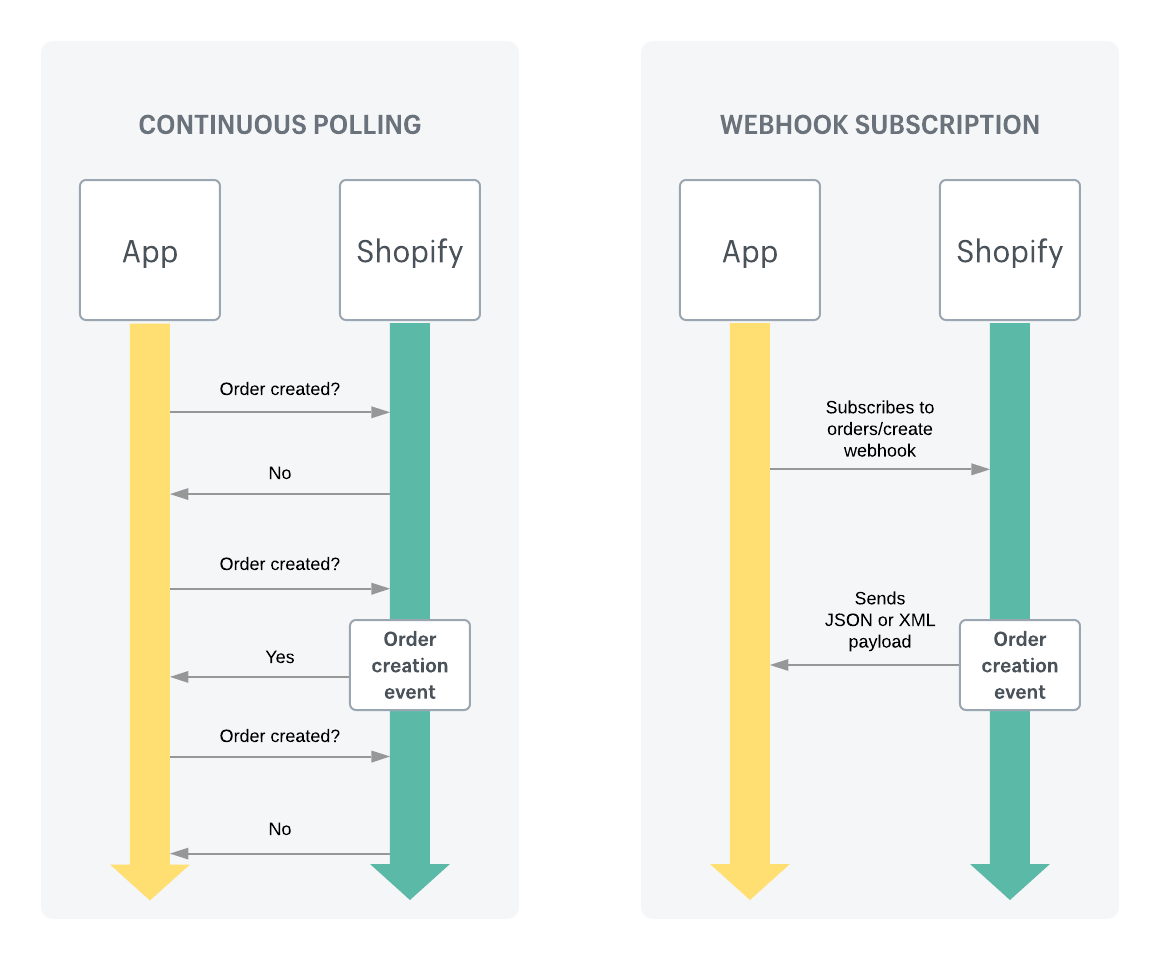
Before Black Friday, test what a Shopify webhook retry sends twice